You see the defect. Zepia knows the regulation.
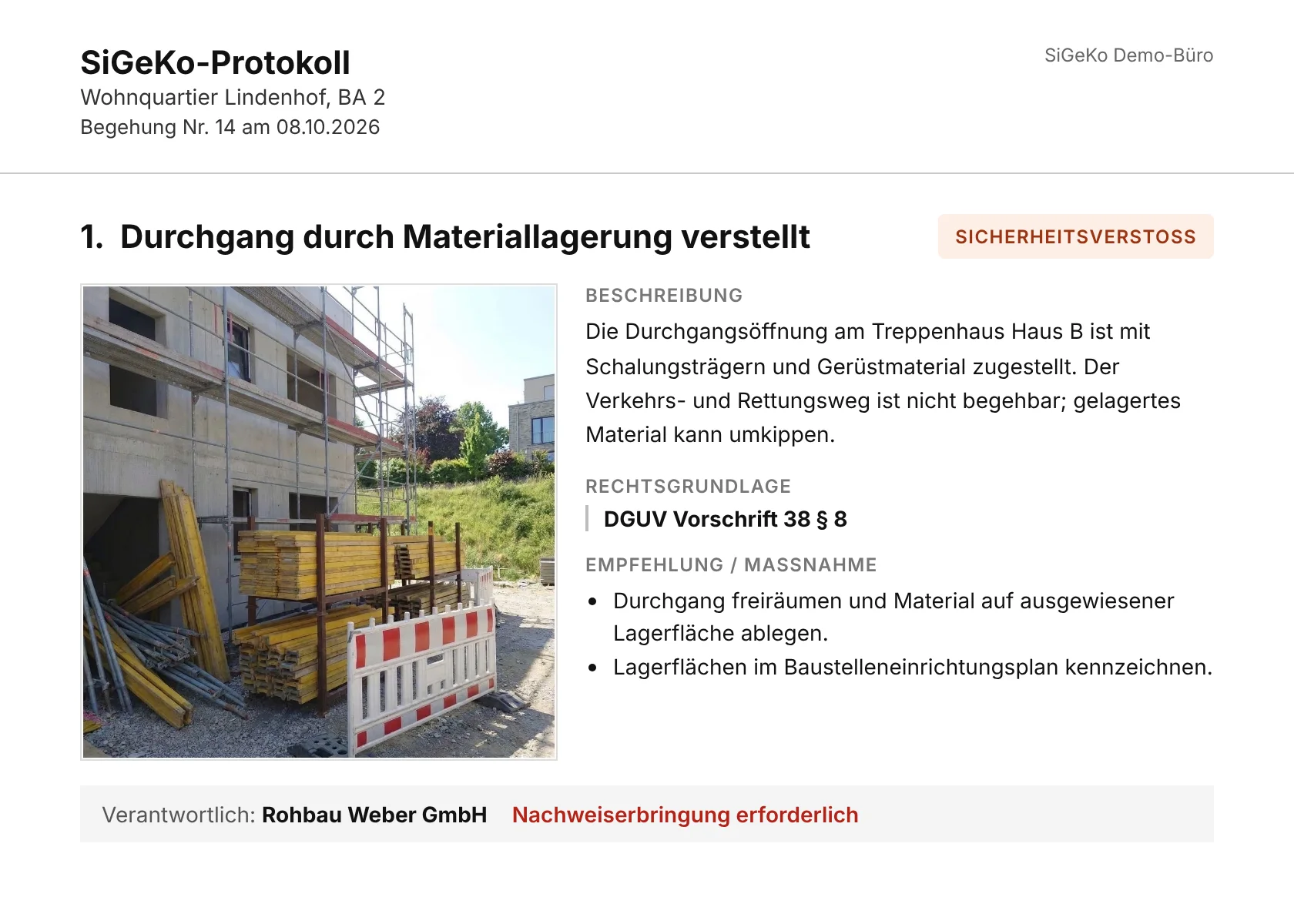
One photo is enough. Zepia words the defect, names the regulation and writes the report. You review on your phone and send – while still on site.
No subscription · no payment details · EU hosting · GDPR-compliant
Or take a look at our step-by-step guides with videos first.
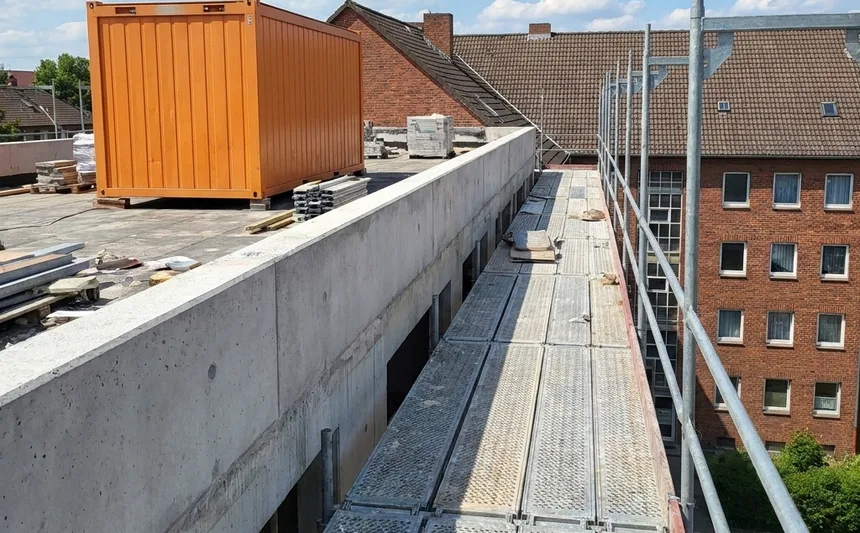
You review and approve. Only then does it go into the report.
* Based on our hands-on trials on real construction projects.
Today the documentation only happens in the evening, at the desk.
The inspection itself is quickly done. The real work comes afterwards: matching photos, typing up defects, looking up regulations, formatting the report. And until the report is sent, nobody on site has it in writing what needs to be done.
Without Zepia · 7 steps, mostly in the evening
- Drive back to the officethe impressions from site fade
- Sort the photoswhich picture belongs to which defect?
- Type up the defectsfrom notes and from memory
- Look up the regulationsparagraph by paragraph
- Format the reportinsert photos, fix the layout
- Create the PDFsave, name, file
- Send itonly once everything else is done
With Zepia · 4 steps, on site
- 1Take a photoone photo is enough, offline too
- 2AI detects and suggestsdefect, regulation from the library and measure
- 3You review on your phone and approvenothing goes out without your approval
- 4Report sent straight from siteas a PDF to your preset recipients
Schematic view of the typical process.
The rework goes away. That adds up to several hours a month.
The report is written during the inspection. When you leave the site it has been sent, and the evening is yours again.
- No sorting of photos
- No typing up of notes
- No looking up of regulations
- No formatting of the report
How many reports do you write per month?
You save about 2 to 4 hours per month.*
You save about 4 to 8 hours per month.*
You save about 6 to 12 hours per month.*
You save about 10 to 20 hours per month.*
* Calculation: 30 to 60 minutes less rework per report. Based on our hands-on trials on real construction projects.
The sample site: a finished inspection to look at.
A short film, the four steps and a real sample report as a PDF. No account, no sign-up.
 Watch the film · 70 seconds
All done on your phone.
The computer is just an option.
Capture, review, approve and send: all of it works in the app, while you are still on site. It takes photos even without signal.
Prefer to rework on a large screen? Open the same inspection in the browser on a computer or tablet, with the same account. You can, but you do not have to.
For iPhone and Android. The browser works right away: app.zepia.ai
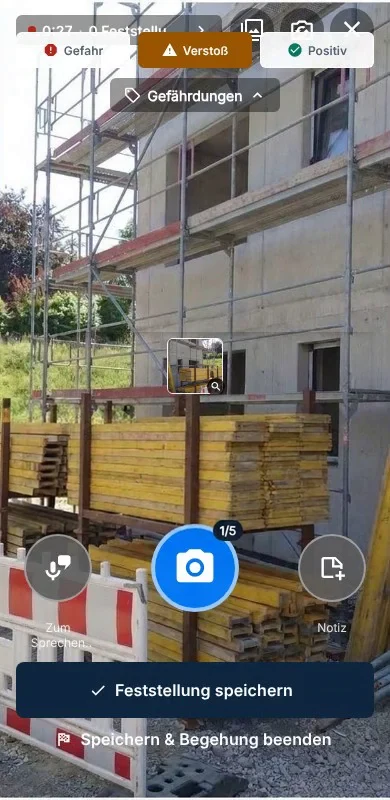
Run your next site inspection with Zepia
- 14 days free, no obligation
- No subscription, no payment details
Questions? Your contact: Stefan Toldrian, co-founder · kontakt@zepia.ai